
|
Getting your Trinity Audio player ready...
|
HDMI vs HDMI ARC vs eARC: What’s the Difference and Which One Do You Need? (Complete Simple Guide)
Many people get confused when they see terms like HDMI, HDMI ARC, and HDMI eARC on their TV or soundbar. All the ports look the same, but each one works differently. So it’s natural to wonder which port you should use for the best sound. This guide makes everything easy to understand. We’ll explain what HDMI, ARC, and eARC actually do, how they affect your audio, and which option is right for your setup. Whether you have a regular soundbar or a Dolby Atmos home theater, this simple guide will help you make the right choice with confidence.
In this blog, we will cover:
- What is HDMI
- What is HDMI ARC
- What is HDMI eARC
- Difference between HDMI and HDMI ARC
- Difference between HDMI ARC and eARC
- Do you need a special ARC cable?
- How HDMI ARC connectivity works
- Best option for TV + Soundbar
1. What is HDMI? (Simple Explanation)
HDMI stands for High-Definition Multimedia Interface.
This is the standard port used on:
- TVs
- Laptops
- Gaming consoles (PS5, Xbox)
- Setup boxes
- Blu-ray players
- Projectors
- Monitors
The main purpose of HDMI is:
➡️ To send video + audio from your device to your TV or monitor.
Example:
You connect your laptop to TV with an HDMI cable. The video and audio go from laptop → TV.
Key features of HDMI
- Sends HD video
- Sends normal audio
- Supports 60Hz / 120Hz refresh rate
- Works with any standard HDMI cable
But there is one limitation:
👉 HDMI cannot send audio back from TV to speakers.
This is where HDMI ARC and HDMI eARC come in.
Why Is My Wi-Fi So Slow? 11 Fixes to Boost Internet Speed
2. What is HDMI ARC? (Audio Return Channel)
HDMI ARC stands for Audio Return Channel.
This feature was introduced to make life easy for TV and soundbar users.
Normally, HDMI only sends audio into the TV.
But HDMI ARC allows the TV to send audio OUT to a soundbar or home theater.
So ARC helps with:
➡️ Better audio
➡️ Fewer cables
➡️ Easy setup
What problem does ARC solve?
Before ARC, to connect a TV to a sound system, you needed:
- Optical cable
- AUX cable
- Separate audio cables
Now with HDMI ARC, you use only one cable.
How HDMI ARC works
- Connect HDMI cable between the TV’s HDMI ARC port and your soundbar’s HDMI ARC port
- TV audio goes directly to soundbar
- No need for extra audio wires
Benefits of HDMI ARC
- Only one cable needed
- Supports Dolby Digital, DTS, and 5.1 surround sound
- Works with any HDMI High-Speed cable
- Reduces mess behind TV
ARC is best for:
- Normal soundbars
- 5.1 home theaters
- Netflix/Amazon Prime audio
- Smart TV apps
3. What is HDMI eARC? (Enhanced Audio Return Channel)
HDMI eARC is the advanced and more powerful version of ARC.
It stands for Enhanced Audio Return Channel.
The aim of eARC is simple:
➡️ To provide the best audio quality with zero compression.
Why eARC is better than ARC
- ARC supports normal audio
- eARC supports high-quality, cinema-level audio
eARC supports:
- Dolby Atmos (TrueHD)
- DTS:X
- 7.1 channel surround sound
- Lossless audio
- Higher bandwidth
Requirements for HDMI eARC
- TV must have HDMI eARC port
- Soundbar/home theater must also support eARC
- Cable must be Ultra High Speed HDMI cable
When is eARC important?
If you want:
- Premium soundbars
- Dolby Atmos home theater
- Blu-ray movie audio
- IMAX Enhanced audio
Then eARC is a must.
Top Fastest VPN for Streaming, Gaming & Privacy in 2025
4. What is the Difference Between HDMI and HDMI ARC? (Easy Comparison)
Here is a simple table you can use in your blog:
| Feature | HDMI | HDMI ARC |
|---|---|---|
| Sends audio to TV | ✔️ Yes | ✔️ Yes |
| Sends audio from TV | ❌ No | ✔️ Yes |
| Uses single cable | ✔️ Yes | ✔️ Yes |
| Supports Dolby Digital | ✔️ Yes | ✔️ Yes |
| Supports Dolby Atmos | ❌ No | ❌ (limited) |
| Best for | Video | Audio + video return |
Simple Explanation
- HDMI = normal connection
- HDMI ARC = sends TV audio back to speakers
- ARC is helpful when you use soundbar or home theater
5. What is the Difference Between HDMI ARC and eARC? (Most Important)
This is the most important part for buyers.
Here’s the clear comparison:
| Feature | HDMI ARC | HDMI eARC |
|---|---|---|
| Audio quality | Good | Excellent (Lossless) |
| Supports Dolby Atmos | ❌ Limited (Compressed) | ✔️ Full Dolby Atmos |
| Supports DTS:X | ❌ No | ✔️ Yes |
| Bandwidth | Low | High |
| Lip-sync issues | Possible | No issues |
| Newest standard | Older | Latest |
| Required cable | Normal HDMI | Ultra High Speed HDMI |
Simple Explanation
- ARC = basic audio return
- eARC = premium audio return
- If you want real Dolby Atmos → choose eARC
How to Stop Kids Using Social Media on Mobile: A Complete Guide
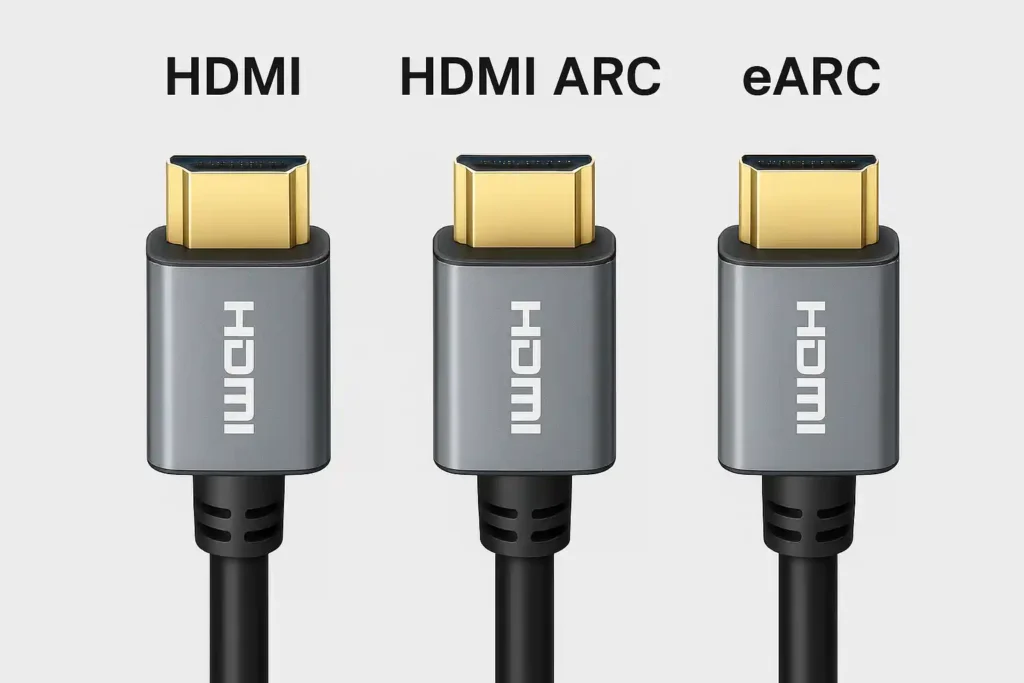
6. What is an ARC HDMI Cable? (Do You Need a Special Cable?)
Here’s the truth:
➡️ There is no separate ARC cable.
➡️ Any High-Speed HDMI cable supports ARC.
But for eARC, you need:
✔ Ultra High Speed HDMI Cable
If you want Dolby Atmos, DTS:X, or high-quality surround sound, use the latest cable.
7. What is HDMI ARC Connectivity? (Simple Guide)
HDMI ARC connectivity means:
- Your TV has a port labeled HDMI ARC
- Your soundbar/home theater also has HDMI ARC
- You connect both with a single HDMI cable
- TV audio automatically plays on your soundbar
Steps to connect HDMI ARC:
- Find HDMI ARC port on TV
- Find HDMI ARC port on soundbar
- Connect with HDMI cable
- Enable ARC / CEC in TV settings
- Select HDMI ARC on soundbar
8. What is HDMI ARC/eARC on TV? (What Does It Mean?)
If your TV has ports labelled:
- HDMI ARC
- HDMI eARC
It simply means the TV supports sending audio to external speakers using that specific port.
ARC = basic audio
eARC = high-quality audio
If you have both, choose eARC.
9. HDMI ARC vs HDMI eARC: Which One Should You Choose?
Choose HDMI ARC if:
- You use a normal soundbar
- You don’t need Dolby Atmos
- Your TV is old
- You want simple audio
Choose HDMI eARC if:
- You want best audio quality
- You want Dolby Atmos / DTS:X
- You have a premium soundbar
- Your TV is new (2021+)
- You watch movies on Netflix/Prime in Atmos
Top 10 Cybersecurity Threats: How to Protect Yourself Online
10. Is HDMI eARC Backward Compatible?
Yes, but with limitations.
- If TV has eARC but soundbar has ARC, they will work
- But you will get only ARC quality, not eARC quality
So for full performance:
✔ TV = eARC
✔ Soundbar = eARC
✔ Cable = Ultra High Speed
11. Real-Life Examples (Simple to Understand)
Example 1: You watch normal TV channels
ARC is enough.
Example 2: You watch Netflix or Prime Video with Dolby Atmos
Choose eARC.
Example 3: You have a gaming console (PS5/Xbox)
For audio → Use eARC
For video → Use HDMI 2.1 port
Example 4: You use a budget soundbar
ARC is enough.
Example 5: You have a premium 7.1 home theater
You MUST choose eARC.
12. Common Myths About HDMI ARC / eARC
❌ Myth: ARC needs a special cable
✔ Truth: Normal HDMI works.
❌ Myth: eARC works on all TVs
✔ Truth: Only modern TVs support eARC.
❌ Myth: ARC supports Dolby Atmos
✔ Truth: ARC supports compressed Atmos, not true Atmos.
Conclusion
Understanding the difference between HDMI, HDMI ARC, and HDMI eARC helps you choose the right setup for the best audio experience. HDMI is perfect for sending video and basic audio, while HDMI ARC makes it easier to connect your TV to a soundbar using just one cable. If you want premium sound, especially Dolby Atmos or DTS:X, then HDMI eARC is the best option because it delivers higher-quality, uncompressed audio. In short, ARC is great for everyday users, and eARC is ideal for people who want theatre-like sound at home. With this simple knowledge, you can now pick the right port and get the best performance from your TV and sound system.
FAQ
1. What is the main difference between HDMI and HDMI ARC?
The main difference is that HDMI ARC can send audio both ways between devices (like a TV and soundbar), while regular HDMI only sends audio and video in one direction.
2. Does HDMI ARC improve sound quality?
Yes, HDMI ARC improves sound quality compared to optical cables, but it is not as powerful as eARC.
3. What is HDMI eARC used for?
HDMI eARC is used for high-quality, uncompressed audio like Dolby Atmos and DTS:X.
4. Can I use a normal HDMI cable for ARC?
Yes, ARC works with most standard HDMI cables.
5. Do I need a special cable for eARC?
For the best performance, eARC works best with HDMI High-Speed with Ethernet or Ultra High-Speed HDMI cables.
6. Is eARC better than ARC?
Yes, eARC offers better sound quality, supports more audio formats, and provides stable audio transmission.
7. Can all TVs use HDMI eARC?
No, only modern TVs with HDMI 2.1 or updated firmware support eARC.
8. How do I know which HDMI port is ARC or eARC?
Check the back of your TV. The ARC/eARC port is usually labeled “HDMI ARC” or “HDMI eARC.”
9. Does HDMI ARC support Dolby Atmos?
Yes, but only compressed Dolby Atmos.
For full, uncompressed Atmos, you need eARC.
10. Can I connect a soundbar with ARC to a TV with eARC?
Yes, they are backward compatible. The sound will work, but only at ARC quality.
11. Is eARC worth it for normal users?
If you use a basic soundbar, ARC is enough. If you want premium sound or Dolby Atmos, eARC is worth it.
12. What is the difference between HDMI vs HDMI ARC vs eARC?
HDMI sends video to the TV, HDMI ARC sends audio back to soundbars, and HDMI eARC delivers higher-quality, uncompressed surround sound.
Final Summary (Easy Words)
- HDMI = sends video + audio to TV
- HDMI ARC = sends TV audio back to soundbar
- HDMI eARC = best quality audio with Dolby Atmos and DTS:X
- ARC works for normal soundbars
- eARC works for premium sound systems
- No special ARC cable needed (but eARC needs Ultra High Speed cable)